Profilis in your browser
Save jobs from any job page, keep track of the applications you send, and fill application forms with a resume tailored to the role, without copying anything by hand.
What it does
- Save any job page to Profilis in one click, so it's there when you're ready to apply.
- Track an application you sent on an employer's site, so it shows up in Profilis with follow-up reminders.
- Fill an application form with a resume tailored to that job and answers from your profile.
Profilis never sends an application by itself. The extension fills the form and shows you what it filled and what it left; it sends the application only when you click “Submit application”.
Install
Profilis is on its way to the browser extension stores. Until it's listed, you can install it by hand in Chrome or Edge.
Manual install (Chrome and Edge)
- Download the latest Profilis extension .zip file from the releases page and unzip it.
- Open chrome://extensions in Chrome, or edge://extensions in Edge.
- Turn on Developer mode.
- Click “Load unpacked” and choose the unzipped folder.
- Pin Profilis from the extensions menu so its icon stays in your toolbar.
Safari isn't supported yet.
Connect your account
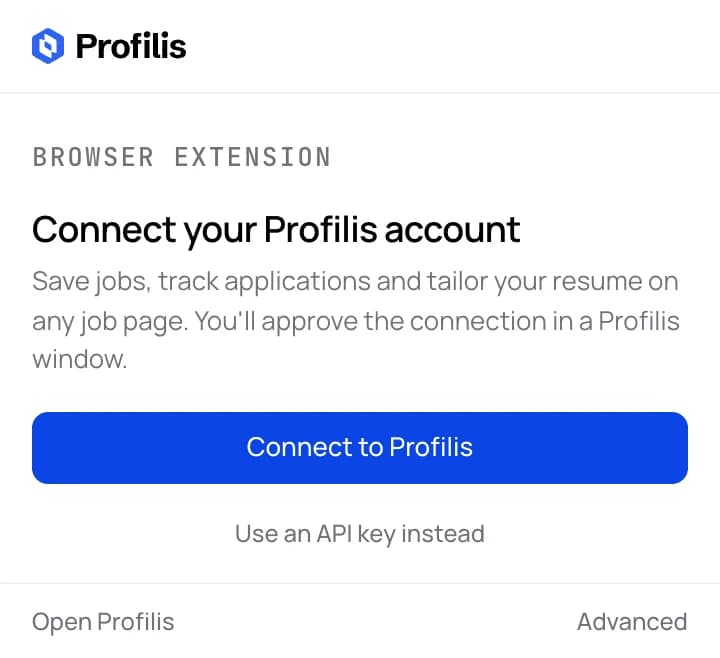
- Click the Profilis icon in your browser toolbar. Profilis opens in a side panel.
- Click “Connect to Profilis”.
- Sign in if you're asked to, then approve the connection in the window that opens.
- The window closes and the extension shows your resumes. You only do this once per browser.
Save jobs and track applications
Save a job
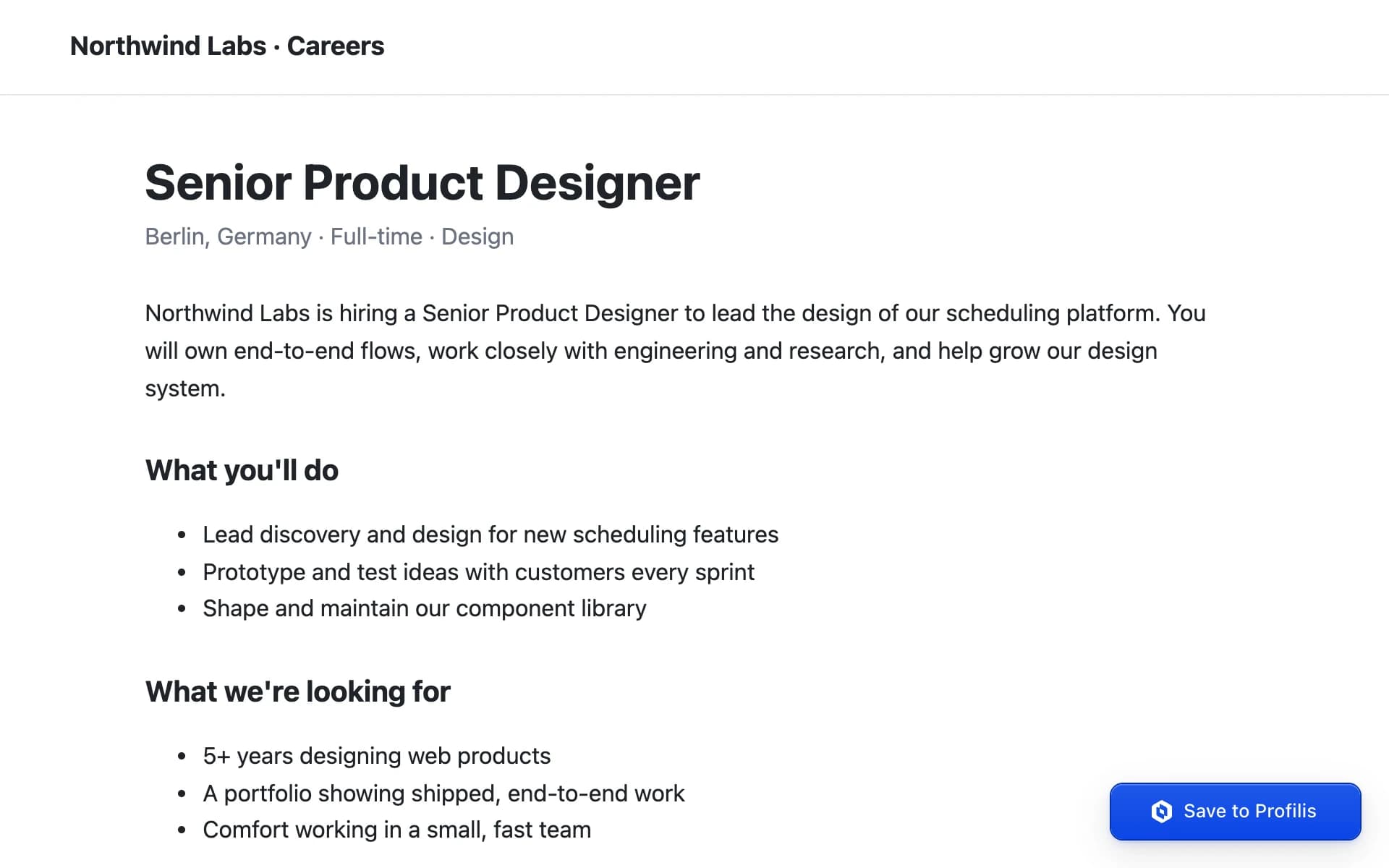
- Open the job posting in your browser.
- Click the Profilis icon and choose “Save job”, or right-click the page and choose “Save this job in Profilis”. Alt+Shift+S does the same.
- The job is waiting in Profilis when you want to tailor a resume or apply.
Record an application you sent
- After you apply, open the job posting again.
- Click the Profilis icon, choose “Save job”, then “I applied to this”. If you applied with Profilis, submitting from its side panel records it for you.
- The application appears in Profilis as applied, with follow-up reminders scheduled.
Privacy
The extension reads a page only when you click one of its buttons or use its shortcut or right-click menu. It never collects your browsing history.
What you save goes only to Profilis, over an encrypted connection. The extension contains no analytics or advertising code.
What the extension reads, sends and storesTroubleshooting
- “Profilis can't run on this page”
- Browsers don't let extensions run on their own pages, such as settings, a new tab or the extension store, or on PDF files. Open the job posting as a normal web page and try again.
- “The page didn't respond”
- The page was probably already open when the extension was installed or updated. Reload the page and try again.
- Does it work on this job site?
- Any job page works. Sites that publish structured job data, such as Greenhouse, Lever, Ashby, Workable and Workday, give the cleanest results; on other pages Profilis reads the posting from the page text.
- Your account or resumes aren't showing
- Disconnect and connect again: click the Profilis icon, open “Advanced”, choose “Sign out”, then click “Connect to Profilis”. To cut off a browser you no longer use, revoke its key in Profilis under Settings → Extension.